Free AI Models Guide
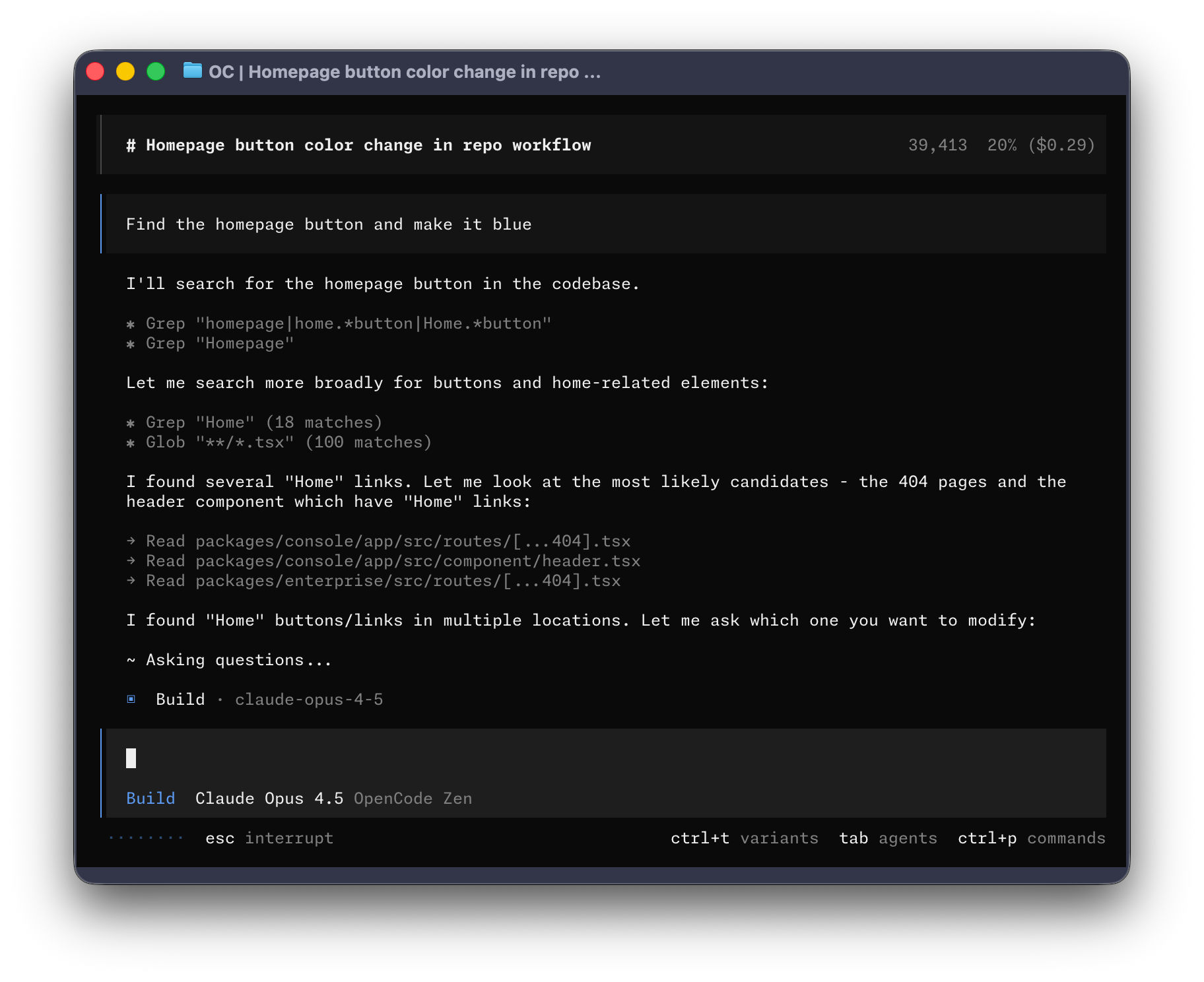
If you are trying to learn OpenCode without committing to another bill, the first temptation is to ask for a list of the “best free models.” That list will be out of date almost as soon as it is published. The more useful question is: which model can I use safely and reliably for the work in front of me today?
This guide’s recommendation is simple: use free access for experiments, learn how to measure it, and avoid making a temporary offer part of a critical workflow.
Let OpenCode help with the setup
After you research the current free-model options, ask OpenCode to help configure its model settings. Give it the sources and the constraints you care about, ask it to explain the proposed changes first, and review the diff before accepting it. You do not have to do every configuration step by hand—that is one of the fun parts of learning to work with an agent.
Free AI Models Overview
“Free” can mean a temporary promotion, an account-level allowance, a public endpoint with changing limits, or a model that runs locally after you install the required hardware and software. Treat those as different options. A model that is free to call can still have queueing, rate limits, or data-use terms that make it unsuitable for a particular project.
This guide focuses on a durable workflow: discover the models available to your account, verify the provider’s current terms, and test candidates on a small, representative task before using them on important code.
You do not need a benchmark suite to begin. One small repository, one known task, and a careful review of the resulting diff will teach you more about fit than a leaderboard detached from your workflow.
Hugging Face Inference Providers
OpenCode supports Hugging Face Inference Providers. The models and providers available through that integration are dynamic, so the current model picker is the source of truth rather than a fixed list in an article.
Quick setup
Connect Hugging Face
- Create a Hugging Face token with the Make calls to Inference Providers permission.
- Run
opencode auth login, choose Hugging Face, and enter the token. - In OpenCode, run
/modelsand select an exactprovider/modelID.
The provider prefix matters: two providers may expose similarly named models with different limits, latency, and data policies.
Protect code and credentials
Do not paste API keys into prompts or commit them to a repository. Review the provider’s data policy before sending proprietary code. Start with a disposable or redacted project when testing a new endpoint.
How to choose a coding model
Do not rely on a permanent “best model” ranking. Compare the current candidates using these dimensions:
| Dimension | What to check | Why it matters |
|---|---|---|
| Task fit | Editing, debugging, explanation, or planning | Different tasks stress different capabilities |
| Tool use | Reliable function/tool calls and bounded edits | An agent must act safely, not only produce prose |
| Context | Context window and how the provider counts tokens | Large repositories may exceed a smaller context |
| Quality | Tests passed, regressions, and review effort | A fluent answer is not necessarily a correct patch |
| Operations | Latency, queueing, and rate limits | A usable model must fit the work’s feedback loop |
| Terms | License, privacy, retention, and current allowance | “No-cost” does not remove usage conditions |
OpenCode Zen models
OpenCode’s Zen service exposes model IDs through the normal /models picker.
The available catalog and any free period are controlled by the current Zen
terms; they should be checked immediately before use. The Zen documentation
also notes that model use may involve feedback or data-use conditions, so do
not assume that a free model has the same privacy terms as a local model.
Access and verify
opencode
/models
Select a model shown for your account, then record its full provider/model ID and the date you tested it. If a model disappears or its terms change, update the record instead of preserving an old recommendation.
A small, repeatable test
- Use a small, non-sensitive repository with a known failing test.
- Give each candidate the same concise task and constraints.
- Record whether the patch is correct, how many edits were needed, elapsed time, and whether the test passes.
- Review the diff yourself before accepting it.
This produces evidence for your workload without claiming that one model is universally superior.
Other no-cost and free-tier providers
Provider offers change frequently. Instead of maintaining a quota table here, check each provider at the moment you connect it:
| Check | Question to answer |
|---|---|
| Account | Is an account, verification, or billing profile required? |
| Authentication | Does OpenCode use /connect, opencode auth login, or a local endpoint? |
| Catalog | Which exact models are shown to this account today? |
| Limits | What rate, daily, or concurrency limits apply, and when do they reset? |
| Data | Are prompts retained, used for improvement, or excluded by an opt-out? |
| Failure mode | What happens when the allowance is exhausted? |
Google AI Studio, GitHub Models, Groq, NVIDIA, and other services can be useful
comparison points, but their model catalogs and allowances should be read from
their current documentation. OpenCode’s /models command is useful for
confirming that a configured provider is actually available in your session.
Recommendations by use case
Use the following criteria instead of a fixed ranking:
- Coding and edits: prioritize reliable tool calls, small accurate diffs, and tests that pass on the first or second attempt.
- Reasoning: use a representative problem and inspect intermediate actions; a longer answer is not evidence of better reasoning.
- Large-context work: confirm the real context limit and test retrieval on the size of repository you use.
- Speed-sensitive work: measure end-to-end response time, including queueing and tool execution, rather than quoting a provider’s peak token rate.
- No-billing experiments: confirm account requirements and current terms before sending project data.
- Sensitive or offline work: prefer a local model when its quality and hardware requirements are acceptable.
Keep an evaluation record
When a model is useful, save a short record next to your project notes:
Provider/model ID:
Date checked:
Task and repository size:
Tool calls or integrations used:
Result and test status:
Observed latency or limits:
Data-use and license notes:
This makes later updates auditable and prevents an old model name, quota, or assumption from silently becoming project policy.
Keeping this guide current
Free-model availability, limits, model names, and terms change frequently. Before following a recommendation, open the provider documentation and compare the current conditions with your needs. Re-test recommendations after a provider changes its catalog or authentication flow; do not infer current availability from a cached screenshot or an old article.
Resources
- OpenCode models
- OpenCode CLI
- OpenCode providers
- OpenCode Zen
- Hugging Face OpenCode integration
- Hugging Face Inference Providers pricing and terms
Verification
- Last reviewed: 2026-09-09
- Primary sources: OpenCode models, CLI, providers, and Zen documentation; Hugging Face’s OpenCode integration documentation.
- Scope: setup flow, model discovery, and the recommendation method were checked. Catalogs, allowances, latency, and provider terms remain release- and account-dependent.
This is a living guide. Update the method and verification notes when the provider interfaces or terms change.